Comic lettering
A lettering tool that starts where you would finish
Bublate cleans the art, sets every line in a lettering font fitted to its bubble and redraws sound effects. You check and adjust each page in the editor, then export a ZIP of pages or a layered PSD.
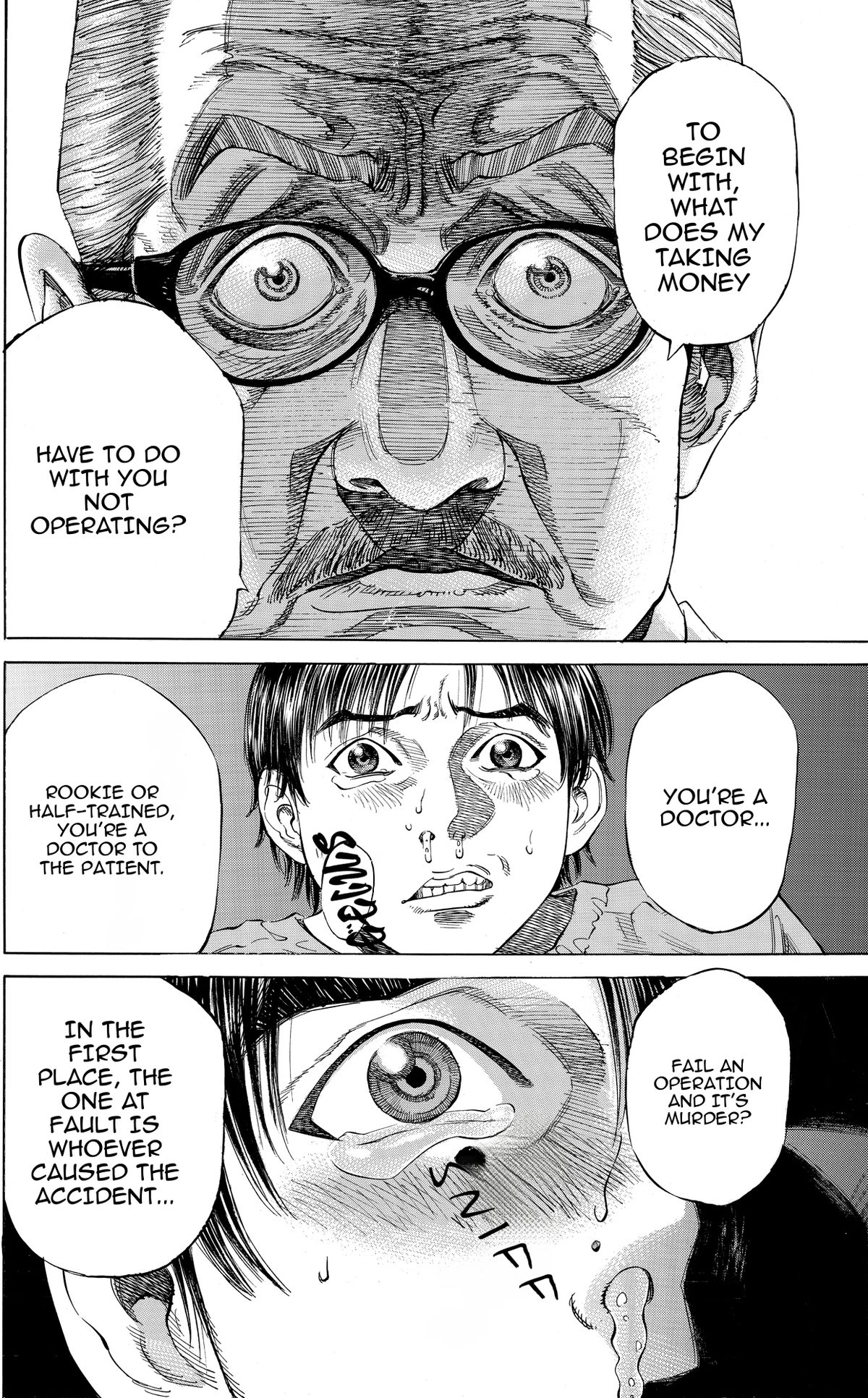
The parts of lettering that take the longest
Cleaning, fitting and sound effects take most of a lettering job. Bublate does the first pass on all three.
Cleaning
Source text is erased from bubbles and from the art around them, with the art rebuilt underneath.
Lettered to fit
Every line is set in a comic lettering font and fitted to its bubble, with shouts, whispers and thoughts in their own style.
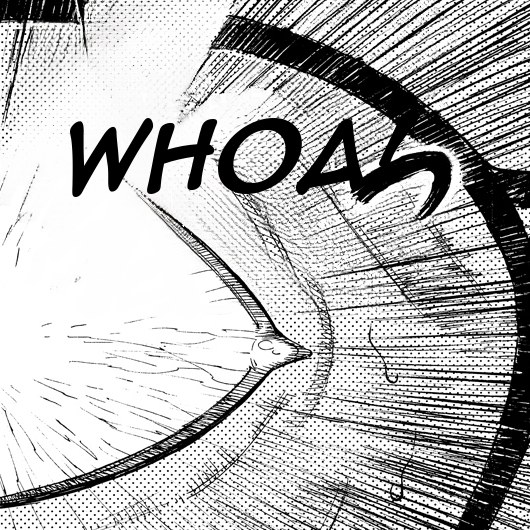
Sound effects, redrawn
The original sound effect is cleaned from the art and a matching word is drawn in its place, in the same angle, size and colour.

Lettering rules, built in
Margins keep letters off spiky bubble rims. Missing glyphs never show as boxes. One sound effect font is used per role across the chapter.
Adjust anything
Every element on the page stays editable.
An editor for the last detail
Change a line, move a bubble or adjust a sound effect before you export.
One series bible
Names, honorifics and the voice of each character stay the same from the first chapter to the last.
From $3 a webtoon chapter, up to $0.60 a manga page
Up to 20 segments, any language pair. Your 30 free credits cover 3 webtoon chapters or 15 manga pages.

From script to final file
Export pages at full size for print or for a reading platform.
To translate the whole comic, not only letter it, see comic translation.
Related
Learn more
Sound effect translation
Bublate reads hand-drawn sound effects in Korean, Japanese and Chinese, erases them from the art and draws a matching word in the target language.
Learn moreManga typesetting
Typeset manga, manhwa and webtoons automatically. Text fitted to each bubble in a lettering font, then checked and adjusted in the editor.
Learn more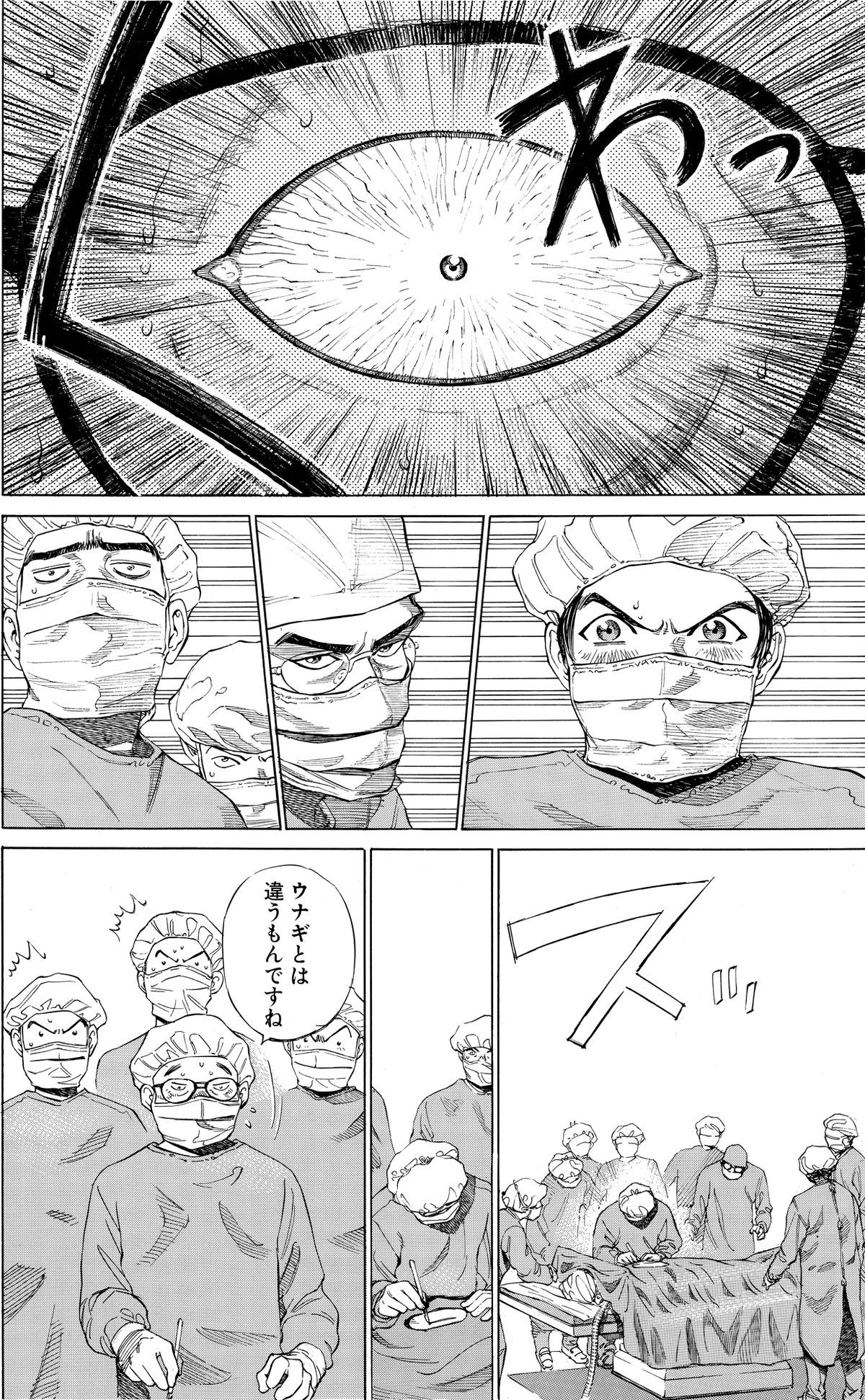
Manga cleaning
Remove text from bubbles and from the art around them. Bublate rebuilds screentone and speed lines underneath, then letters the clean page.
Learn moreQuestions
What is lettering in comics?
Lettering is the text work on a comic page: dialogue in each balloon, captions and sound effects. A letterer picks the fonts, sizes and breaks each line, places the balloons and sets or draws the sound effects. See what comic lettering is.
Which lettering controls does the editor have?
Size, leading, tracking, horizontal scale, alignment and text box width, plus strokes, fill opacity and a drop shadow or glow. Type on the page and the text re-wraps in its bubble. A frame around the text scales and rotates it.
Can I use my own lettering fonts?
Yes. Upload font files to your workspace and use them on any page in that workspace. Check the licence of each font first, because some lettering font licences do not allow use in a web app or in exported images.
Can I export a layered PSD?
Yes. Export a ZIP of finished pages with size presets for WEBTOON CANVAS, Tapas, LINE Manga Indies, Naver 도전만화 and Jump Rookie, or a layered PSD for each page to finish in Photoshop or Clip Studio Paint.
How much does it cost?
A webtoon chapter of up to 20 segments costs $3 for each target language, and each further 10 segments add $1.50. Manga and other print pages cost up to $0.60 a page. New accounts get 30 free credits with no card, enough for 3 webtoon chapters or 15 manga pages. 1,000 credits cost $149.
Which languages can I translate between?
Any language into any language. Each target language gets its own lettering, punctuation and sound effect words.
Who owns the translated pages?
You do. Bublate does not use your pages to train models.