Compare
Bublate vs the WEBTOON CANVAS Translation Program
The WEBTOON CANVAS Translation Program translates the text of your series into 7 languages and publishes it on WEBTOON, at no stated cost. Bublate translates and letters every bubble, redraws the sound effects in the art, lets you check each page in an editor, and gives you files you can post anywhere.
Where Bublate is different
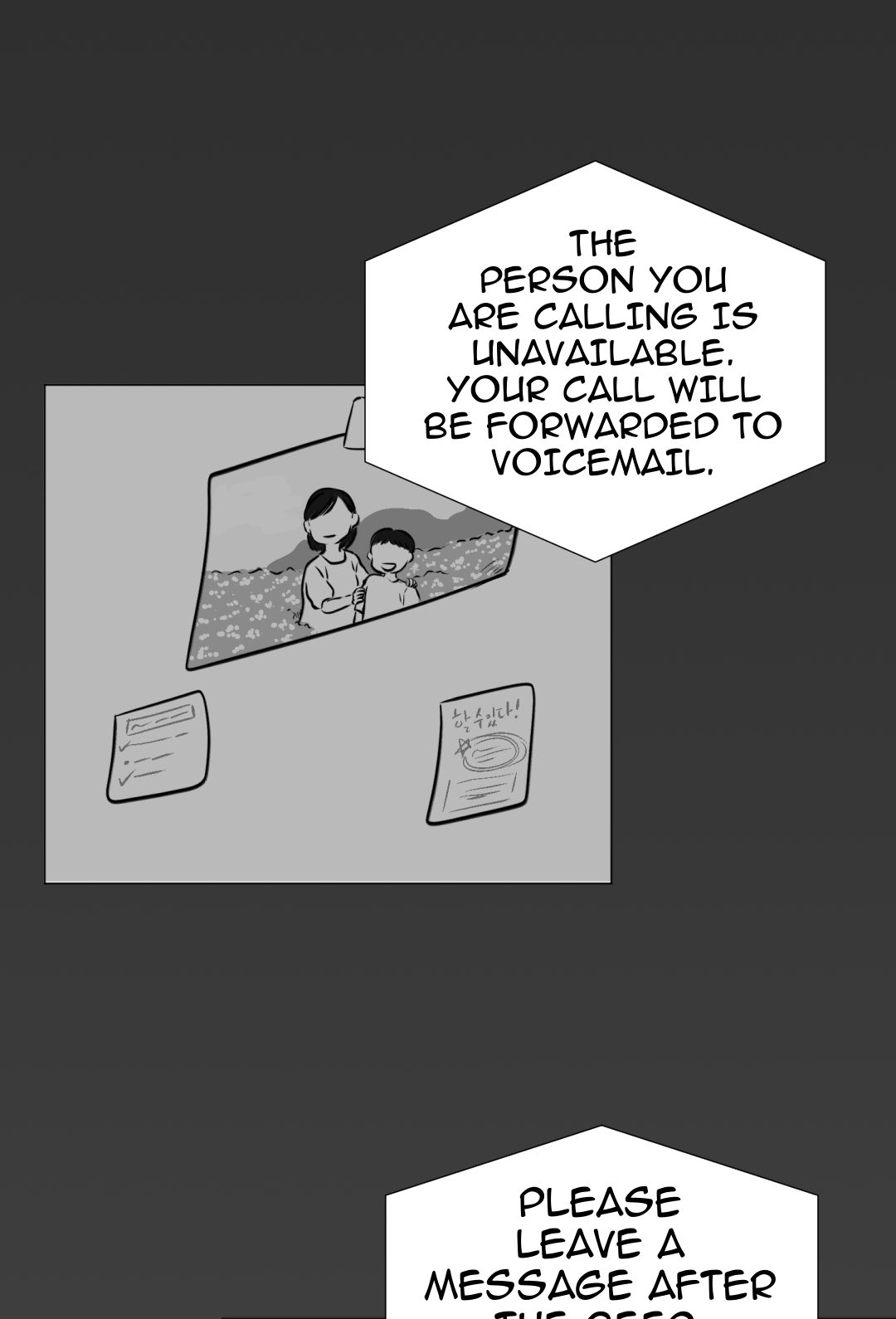
WEBTOON says its program "only translates text elements" and that preview "is not available at this time". Bublate covers the art and the check.
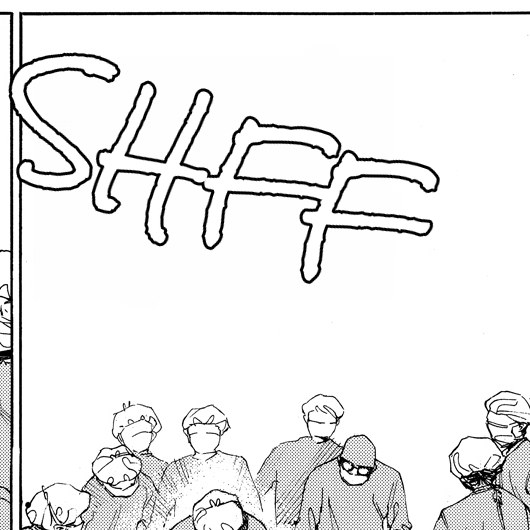
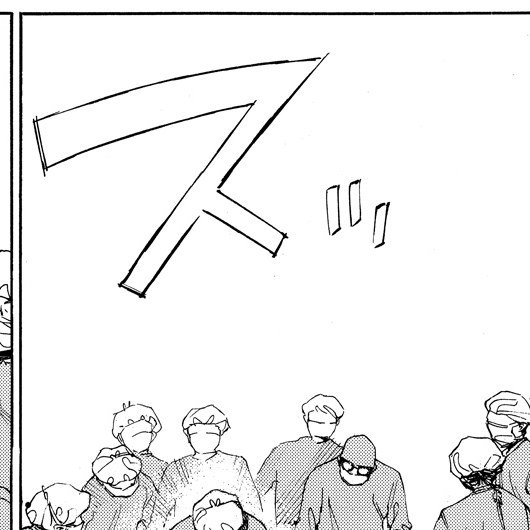
Sound effects, redrawn
Sound effects drawn into the art are erased and redrawn as a matching word in the same angle, size and colour. The WEBTOON program does not alter the art.
Check before it goes live
Every page opens in the editor before export. Change a line, move a bubble or adjust a sound effect. On WEBTOON, translations go live with the episode.
Post it anywhere
You get the finished pages, cut to the size each platform takes: WEBTOON CANVAS, Naver 도전만화, Tapas, LINE Manga Indies or Jump Rookie. Or take a layered PSD per page.
When the WEBTOON program is the better choice
If your series is on CANVAS, it qualifies (at least 10 published episodes and more than 2,000 global page views in the past 365 days), and you only want readers on WEBTOON, the Translation Program is the simple choice. You opt in, fill in a glossary, and each new episode is translated when you publish it. Source: WEBTOON's Global CANVAS Creator FAQ.
WEBTOON names no price for the program in its FAQ or press release. It also gives you comment translation for all CANVAS series, and you can opt out at any time.
Pick Bublate when you want the sound effects translated too, when you want to read every page before readers do, or when you publish outside WEBTOON. See webtoon translation and sound effect translation.
Side by side
| Bublate | WEBTOON CANVAS Translation Program | |
|---|---|---|
| Speech bubbles translated | Yes, re-lettered and fitted to each bubble | Yes ("only translates text elements", FAQ) |
| Sound effects redrawn in the art | Yes, or kept with a small caption | No. "It does not alter your art" (FAQ) |
| Series consistency | Series bible you can edit (characters, names, forms of address, glossary, style rules), plus translation memory | Glossary: Main Characters and Title & Summary required, World Setting and Key Terms optional (FAQ) |
| Preview and edit before release | Yes, page editor with live text, comments and edit history | No. "Preview is not available at this time" (FAQ) |
| Where the result goes | Your files, any platform: ZIP presets for WEBTOON CANVAS, Naver 도전만화, Tapas, LINE Manga Indies and Jump Rookie, or a layered PSD per page | WEBTOON only, live with each new episode (FAQ) |
| Who can use it | Anyone with the rights to the pages | CANVAS series with 10+ episodes and 2,000+ global page views in 365 days. Beta for English-language creators first, from Spring 2026 (press release) |
| Price | $3 for a chapter up to 20 segments, 30 free credits for a new account | Not stated (FAQ) |
| Languages | Any language into any language | English, Spanish, French, Indonesian, Thai, Traditional Chinese, German (press release) |
| Training on your pages | No | No. "It does not alter your art or train on your artwork" (FAQ) |
What you get with Bublate
Lettering, sound effects and a series bible, for any language pair.
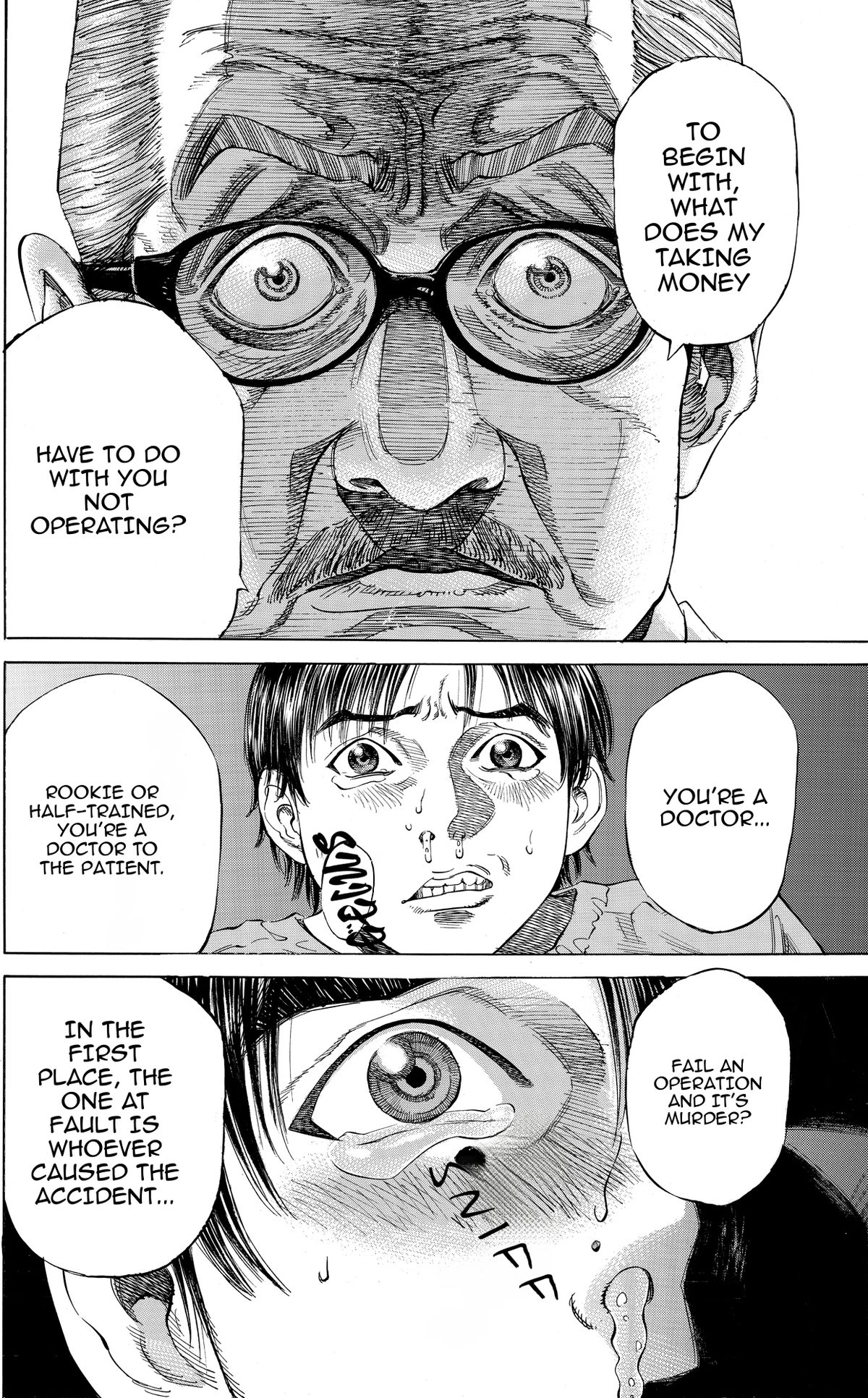
Lettered to fit
Every line is set in a comic lettering font and fitted to its bubble, with shouts, whispers and thoughts in their own style.
One series bible
Names, honorifics and the voice of each character stay the same from the first chapter to the last.
From $3 a chapter
Up to 20 segments, any language pair. New accounts get 30 free credits.
Use both if you want
The two do not exclude each other. You can keep the WEBTOON program for one language and letter another language with Bublate for your own site or a different platform. Check each platform rule on machine-assisted translation before you post.
The WEBTOON CANVAS export preset follows the CANVAS upload limits. See webtoon export sizes and how to letter a webtoon.
Start at Bublate for creators or see pricing. New accounts get 30 free credits, with no card.
Learn more
Manga translation
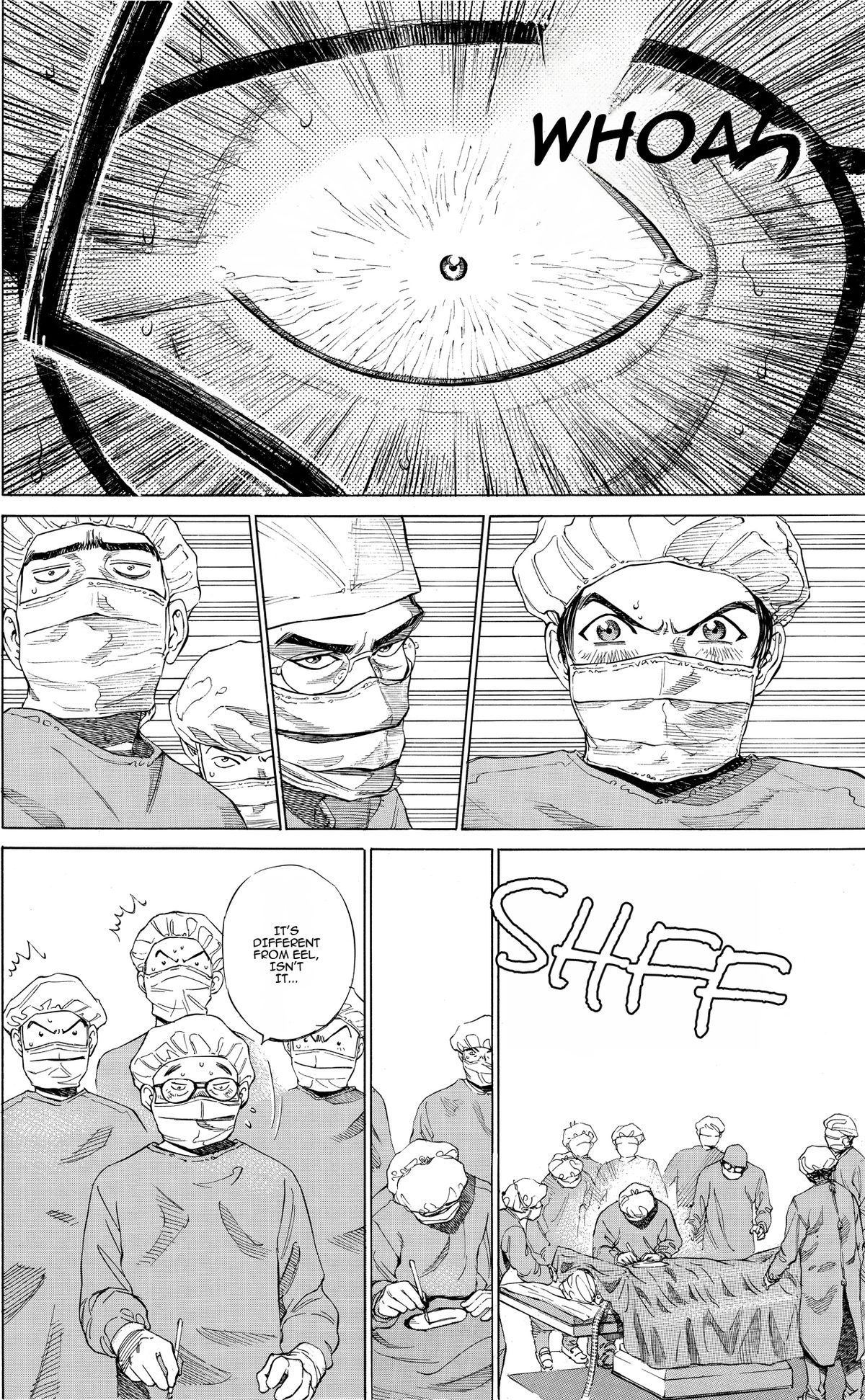
Translate manga pages into any language. Bublate reads vertical Japanese text, re-letters every bubble left to right and redraws brush sound effects in the art.
Learn moreManhwa translation
Manhwa translator online for Korean comics, into any language. Every bubble re-lettered, Hangul sound effects redrawn, honorifics kept the same.
Learn moreWebtoon translation
Upload a full webtoon episode and get it back translated and lettered, with sound effects redrawn. Ready for WEBTOON CANVAS, Tapas or your own site.
Learn moreQuestions
What does the WEBTOON CANVAS Translation Program translate?
Text only. WEBTOON’s Global CANVAS Creator FAQ says: "The Translation Program only translates text elements. It does not alter your art or train on your artwork." Source: webtoons.com/en/notice/detail?noticeNo=3621, checked 8 November 2026.
Can I preview WEBTOON translations before they go live?
Not now. The same FAQ says preview "is not available at this time" and that translated versions go live alongside your original episodes. In Bublate you check every page in the editor before you export.
Who is eligible for the WEBTOON program?
A CANVAS series needs at least 10 published episodes and more than 2,000 global page views in the past 365 days. WEBTOON’s press release of 26 March 2026 (about.webtoon.com/press-release/238) says the beta starts in Spring 2026 with eligible English-language CANVAS creators.
Which languages does each support?
WEBTOON lists English, Spanish, French, Indonesian, Thai, Traditional Chinese and German. Bublate translates any language into any language, including Korean and Japanese targets.
Can I post a Bublate translation on WEBTOON CANVAS?
Yes, the pages are yours. The WEBTOON CANVAS export preset cuts the strip to the CANVAS upload sizes. Check the platform rules on machine-assisted translation before you post.
How much does Bublate cost?
A webtoon chapter of up to 20 segments costs $3 for each target language, and each further 10 segments add $1.50. Manga and other print pages cost up to $0.60 a page. New accounts get 30 free credits with no card, enough for 3 webtoon chapters or at least 15 manga pages. 1,000 credits cost $149.