Compare
Bublate vs Immersive Translate
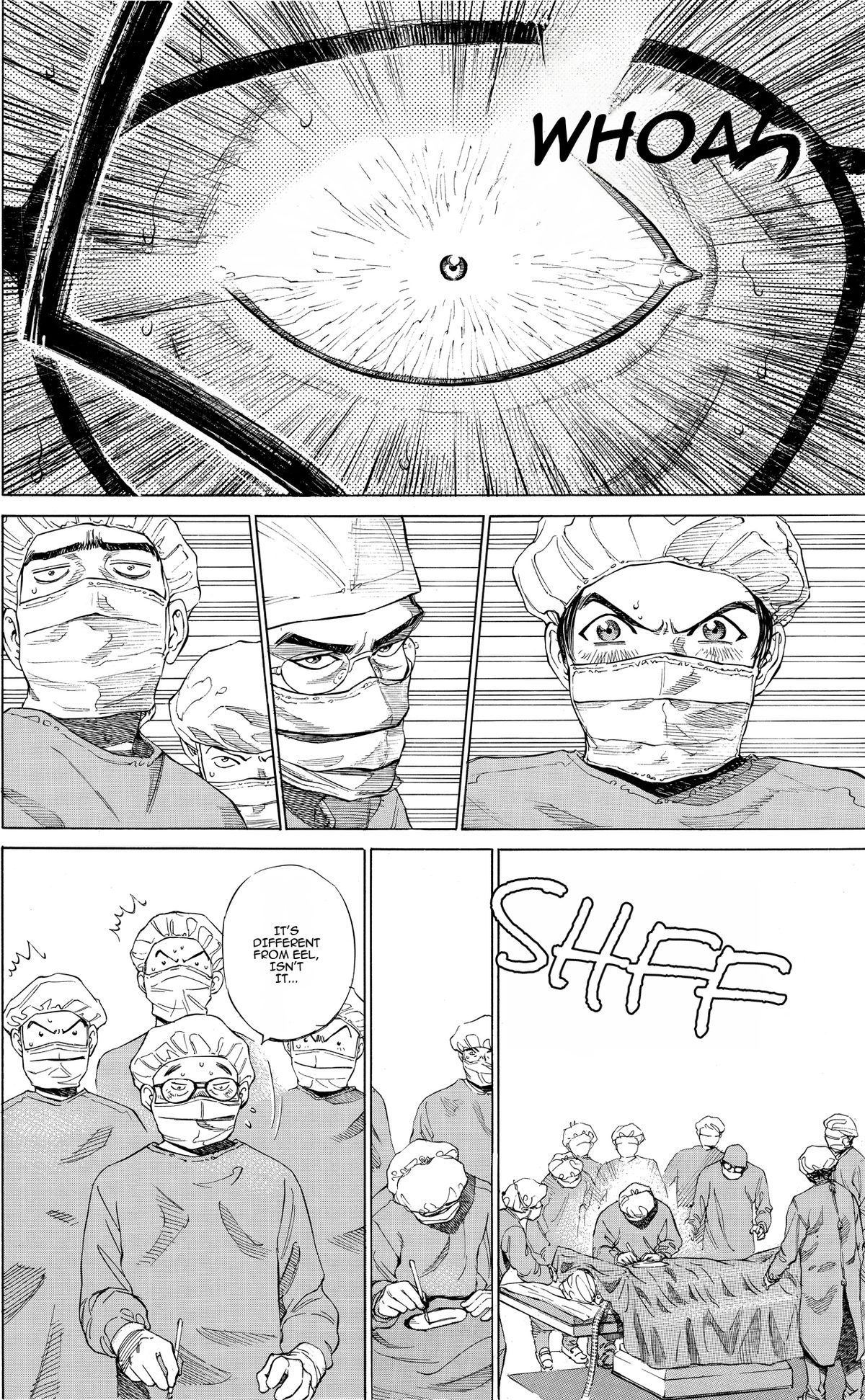
Immersive Translate is a general translation extension for web pages, PDFs and video, with a manga image feature that erases dialogue and places the translation in the bubbles. Bublate does only comics: it letters every bubble, redraws sound effects in the art, keeps a series bible and gives you an editor for the final check.
Where Bublate is different
Immersive Translate does many kinds of translation. Bublate does one: comic pages, ready to publish.
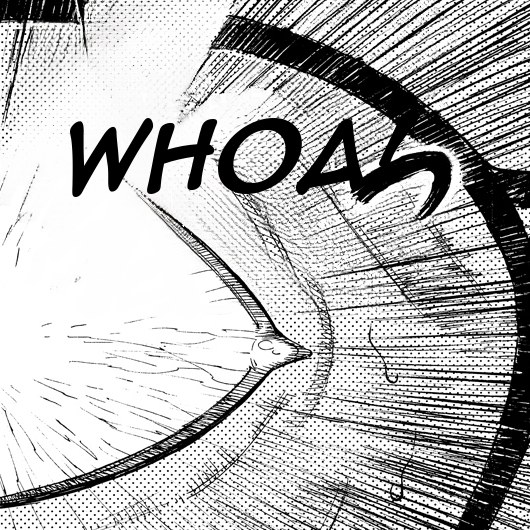
Sound effects, redrawn
Immersive Translate’s manga page does not mention sound effects. Bublate erases each one and draws a matching word in the same angle, size and colour.
One series bible
Names, honorifics and the voice of each character stay the same from the first chapter to the last.
An editor for the last detail
Change a line, move a bubble or adjust a sound effect before you export. The manga page does not mention an editor.
When Immersive Translate is the better choice
Pick Immersive Translate when you already use it for web pages, PDFs and subtitles, and you want to read manga in the same extension. Its manga page lists Chrome, Edge, Firefox and Safari, iOS and Android, and you can switch between "16+" translation engines, including OpenAI, DeepSeek and DeepL.
One subscription covers all of it. The US App Store lists Pro at $9.99 a month, and the pricing page includes 3,000 comic images a month on Pro and Max.
Read more in the Immersive Translate review and the list of Immersive Translate alternatives.
Pick Bublate when the pages are yours and the result must read like an official release, with lettering fitted to each bubble and every sound effect redrawn.
Side by side
| Bublate | Immersive Translate (manga feature) | |
|---|---|---|
| Speech bubbles re-lettered | Yes, fitted to each bubble in a lettering font | Yes. Uses "OCR and Inpaint to erase original dialogue and redraw speech bubbles" (manga page) |
| Sound effects redrawn in the art | Yes, or kept with a small caption | Not stated (manga page) |
| Series consistency | Series bible you can edit (characters, names, forms of address, glossary, style rules), plus translation memory | Not stated. You choose the engine "to match the specific context of your manga" (manga page) |
| Page editor | Yes: live text, text tool, erase and restore brushes, edit history | Not stated (manga page) |
| Teams | Roles (owner, translator, letterer, reviewer), comments and mentions | Not stated for comics |
| Files in | Pages, a folder, ZIP, CBZ or PDF, up to 1000 pages. Many chapters at once | Multi-page batch, long-strip PNGs. JPG, JPEG, PNG and WEBP (manga page) |
| Output files | ZIP with presets for WEBTOON CANVAS, Tapas, LINE Manga Indies and others, or a layered PSD per page | Translated image files (manga page) |
| Price | $3 for a webtoon chapter up to 20 segments, up to $0.60 a manga page, 30 free credits | Comic translation: 3,000 images a month on Pro and Max, a dash on Free (pricing). US App Store: Pro $9.99 a month, Max $34.99 a month (App Store) |
| Who it is for | Creators, translators and publishers releasing work they have rights to | Readers of web pages, PDFs, video and manga |
| Training on your pages | No | Pricing page: results "are not stored and will never be used" to train models (pricing). Privacy policy: content sent to image translation is collected, not linked to you, to "improve and deliver translation services" (privacy) |
| Where it runs | Web app. No extension, no phone app, no desktop app | Chrome, Edge, Firefox and Safari extensions, iOS and Android apps, web upload (manga page) |
What you get with Bublate
One price per chapter, any language pair.
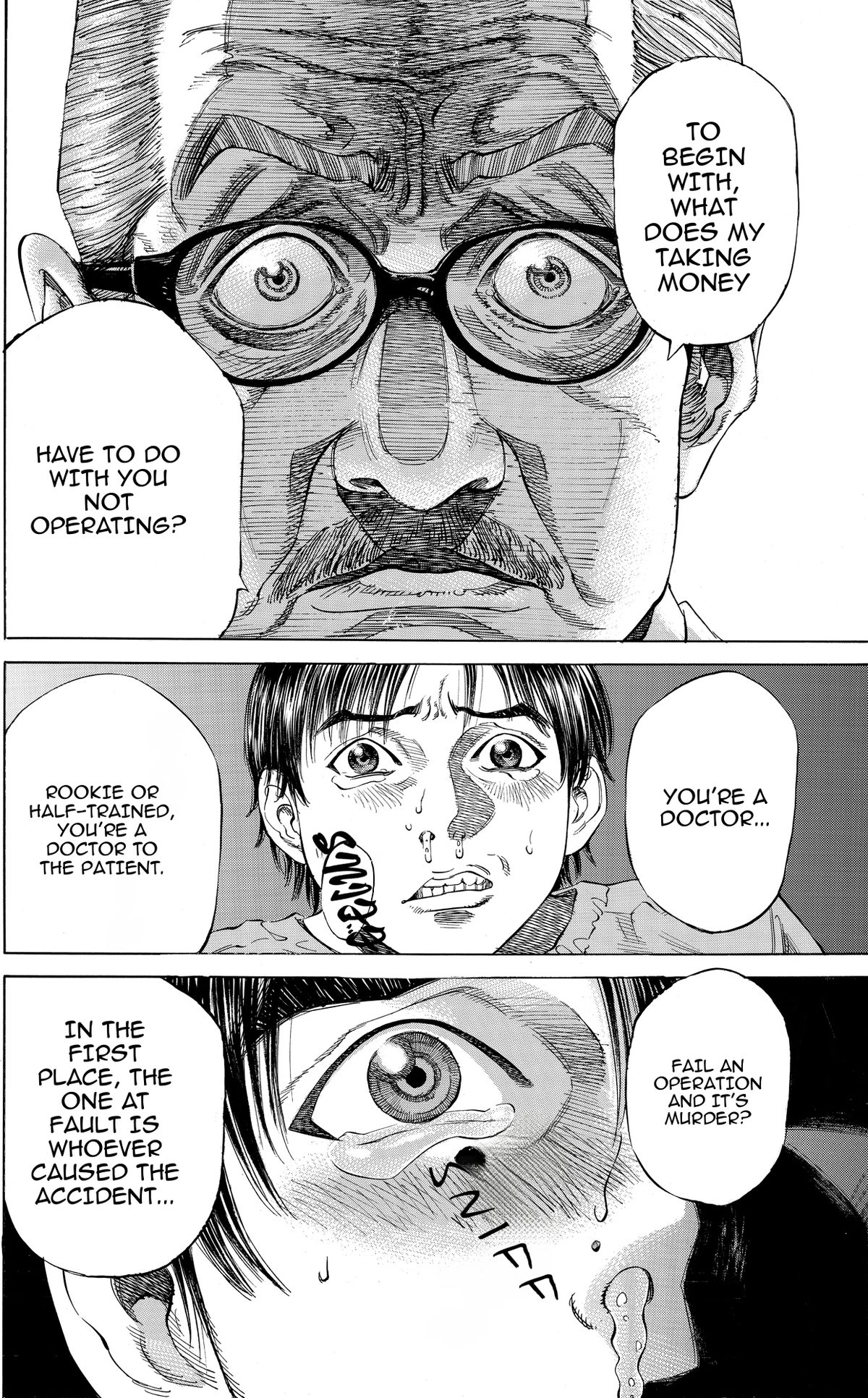
Lettered to fit
Every line is set in a comic lettering font and fitted to its bubble, with shouts, whispers and thoughts in their own style.
Your pages stay yours
You own every page you translate. We do not use your pages to train models.
From $3 a webtoon chapter, up to $0.60 a manga page
Up to 20 segments, any language pair. Your 30 free credits cover 3 webtoon chapters or at least 15 manga pages.
Try it on your own pages
Upload a chapter you made or have the rights to translate. Your 30 free credits cover 3 webtoon chapters or at least 15 manga pages, with no card. See pricing.
Read how Bublate handles manga cleaning, or start at Bublate for creators.
Learn more
Manga translation
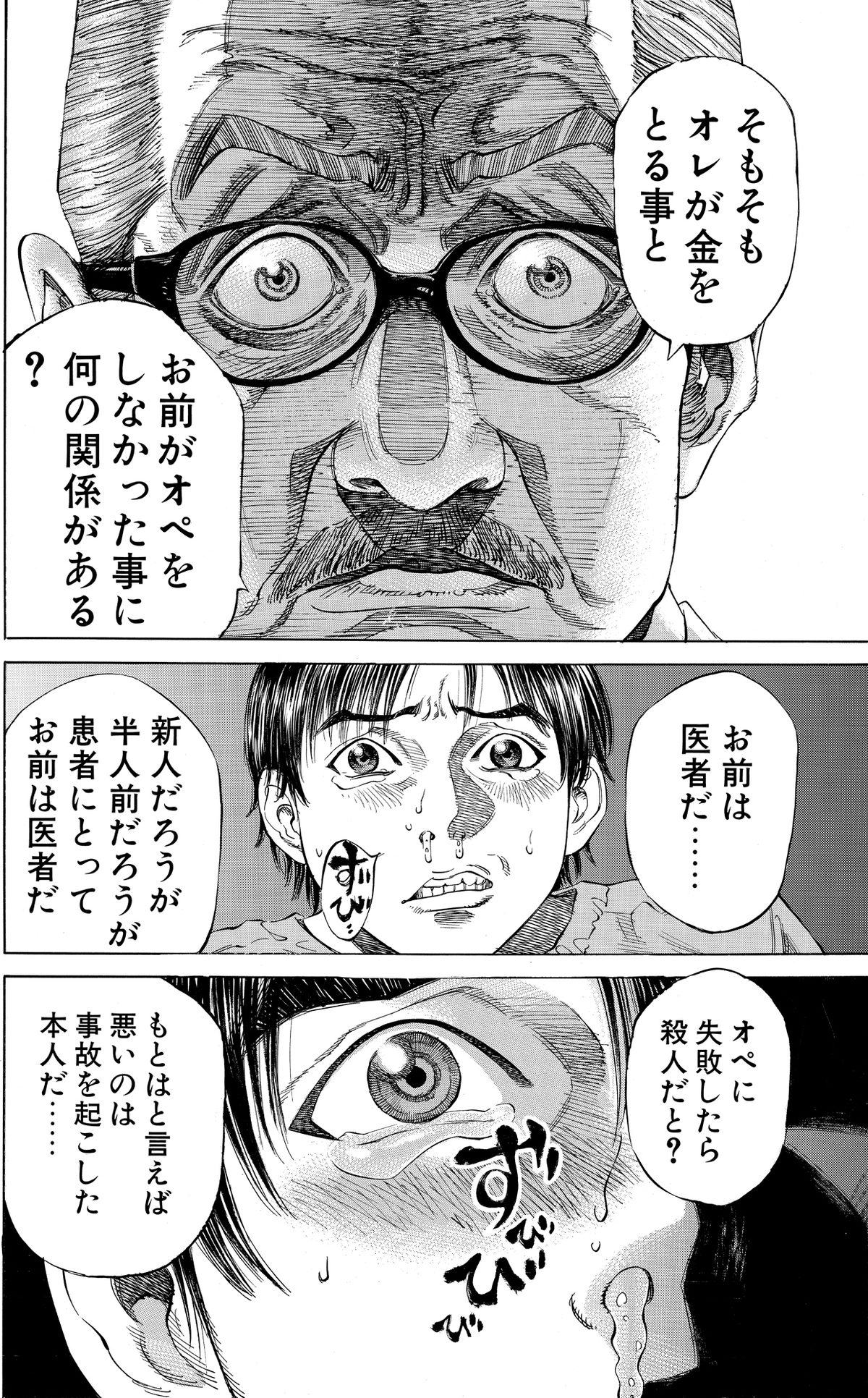
Translate manga pages into any language. Bublate reads vertical Japanese text, re-letters every bubble left to right and redraws brush sound effects in the art.
Learn more
Manhwa translation
Manhwa translator online for Korean comics, into any language. Every bubble re-lettered, Hangul sound effects redrawn, honorifics kept the same.
Learn moreWebtoon translation
Upload a full webtoon episode and get it back translated and lettered, with sound effects redrawn. Ready for WEBTOON CANVAS, Tapas or your own site.
Learn moreQuestions
What does the Immersive Translate manga feature do?
Its manga page (immersivetranslate.com/en/image/manga-translator/, checked 8 November 2026) says it uses OCR and inpainting to erase the original dialogue and place the translation inside the speech bubbles, with batch translation for webtoons and comics.
Is the Immersive Translate manga feature free?
The manga page says the full image translation feature is free, with Pro for higher OCR accuracy. Its pricing page lists comic translation at 3,000 images a month on the Pro and Max plans, with a dash on Free. The US App Store lists Pro at $9.99 a month or $79.99 a year, and Max at $34.99 a month.
Does Immersive Translate translate sound effects?
Its manga page does not mention sound effects. Bublate reads each sound effect, erases it from the art and draws a matching word in the target language.
Does either tool train on my pages?
Bublate does not use your pages to train models. Immersive Translate’s pricing page says translation results are not stored and are not used to train models. Its privacy policy adds that images sent to image translation are collected, not linked to you, and used to improve and deliver the service.
Which languages can I translate between?
Bublate translates any language into any language. Each target language gets its own lettering, punctuation and sound effect words.
How much does Bublate cost?
A webtoon chapter of up to 20 segments costs $3 for each target language, and each further 10 segments add $1.50. Manga and other print pages cost up to $0.60 a page. New accounts get 30 free credits with no card, enough for 3 webtoon chapters or at least 15 manga pages. 1,000 credits cost $149.